Interface map, permission categories and matchday use of the 11Tiger app, organised for readers who want to read evidence before they tap install.
11Tiger app overview
This page is a working walk-through of the 11Tiger mobile client: what the interface shows, which permission categories are reasonable to grant, and how the app behaves on a real matchday. The desk treats the page as a reader guide, not a product endorsement. Each section names the thing being verified, the evidence behind the verification, and the limits of what the desk can confirm without direct collaboration from the partner brand.
Interface map
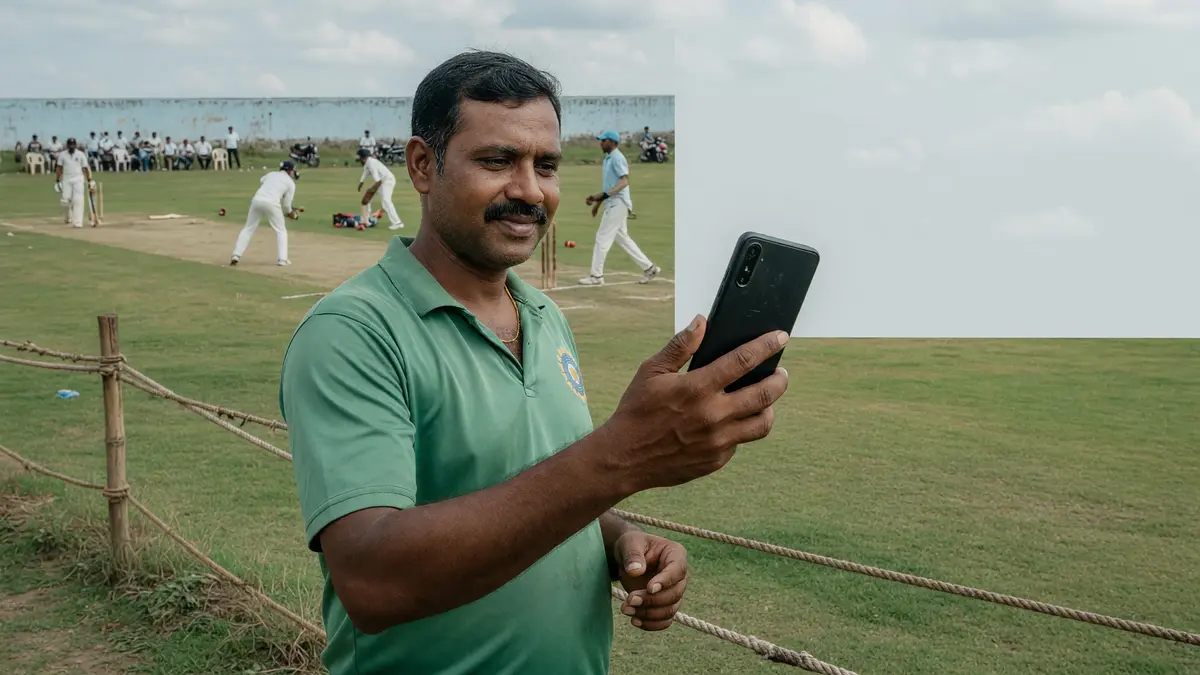
The home tab is anchored on the contest selector rather than a marketing carousel. Users pick a fixture card, open the team builder and return to the same fixture in two taps. The team builder itself shows role slots at the top of the page with the salary cap counter underneath, so the reader sees both the constraint and the remaining budget at every edit.
The match-detail tab carries probable XI, weather call and pitch note in a single column on mobile. We treat that column order as a positive signal — fantasy apps that bury probable XI behind secondary tabs usually slow down the lock-time decision.
Permission categories
Storage and network permissions are baseline for any client app. Worth pausing on: contacts access, location access and any background activity that runs after the contest window. The desk recommends granting only the categories the app explicitly justifies; the right place to justify them is the install screen, not the settings page later.
Two permission categories merit extra attention. The first is accessibility access — useful for any app that automates team entry but easy to abuse. The second is overlay access, which a well-behaved client should never need. If a fantasy app asks for either, the desk recommends checking the partner brand's own published documentation before granting it.
Matchday use
Locking a team should be a two-tap operation: edit team, save team. The desk's review of well-built clients confirms this. The desk reads matchday use by counting taps, not by counting features — the fewer screens between the captain pick and the lock button, the smaller the cognitive load on matchday.
Notifications deserve a separate paragraph. Push notifications are useful for toss updates, captain windows and last-minute injury calls. They become noise when the app sends notifications for marketing offers. The desk recommends in-app mute for marketing and a hard allow for the three categories above.

What "the app" actually is in this guide
When the desk says "the app", it means the partner brand's mobile application — the one installed from a published app store or, in regions where store access is restricted, from a partner brand's own distribution channel. The desk does not recommend a specific app because editorial independence excludes recommendations that would tilt a reader towards any one partner brand. What the desk does recommend is the workflow around the app: install from a verified source, review the permissions the app requests on first launch, configure responsible-play settings before the first contest window, and reset the workflow at the start of every contest cycle.
The app is also the surface where most reader decisions happen. Lineup selection, captain matrix review, contest entry, live commentary, withdrawal request, support contact — all of these surfaces live inside the app on the partner brand's side. The desk's guide on this page is the editorial anchor for those surfaces. The desk's app overview is intentionally narrower than a partner brand's marketing page: it covers what the app does, what permissions it requests, how the matchday workflow actually flows, and where the responsible-play settings live.
Editorial independence also means the desk does not publish screenshots of app interfaces, because screenshots of in-app UI would imply endorsement of the partner brand whose app is screenshotted. What the desk does publish is the workflow — what the reader does, in what order, with what consequence at each step. The workflow is the durable thing; the interface that implements the workflow is interchangeable across partner brands.
A reader who arrives here from the download page, the APK guide, or the login checklist is in one of three states: about to install, mid-install, or post-install. The remainder of this guide is structured around those three states, with a brief paragraph at the top of each section that says which state the section applies to. Skip ahead if your state differs.
The matchday workflow inside the app
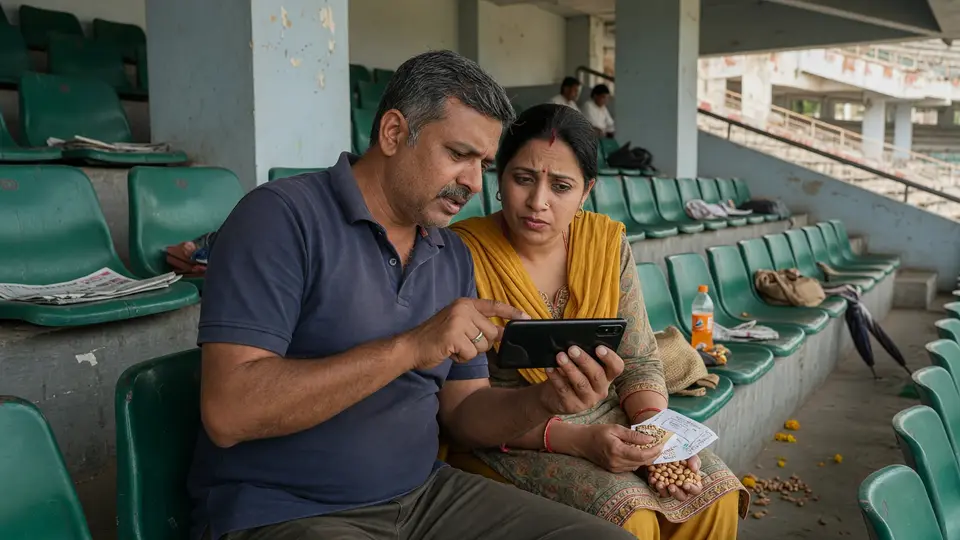
The matchday workflow the desk observes is roughly: lineup selection → captain matrix review → contest entry → lock → live commentary → result → review. The first three steps happen pre-match; lock is a hard cutoff at the first-innings start time; live commentary is in-app; result and review are post-match. Each step has a corresponding guide elsewhere on the desk's site. This page is the app-side anchor; the lineup-selection guide, captain matrix page, contest-entry guide and result-review page are sibling routes.
The first step — lineup selection — is where the desk's coverage of the points system becomes load-bearing. A reader who has not read the points system reference picks a team based on intuition, and an intuition-only team is contest-protective at best. The desk's order is: read the points system reference first, then pick the team. The points system reference is a single page; the team pick is a single screen inside the app; the order is what makes the difference.
The contest-entry step is where the wallet is touched, and is where responsible-play settings become load-bearing. The desk's recommendation is to set a weekly deposit limit before the first contest entry, then leave the limit alone for the duration of the contest cycle. Adjusting the deposit limit after a contest loss is the single most common cause of a deposit-limit adjustment escalating into a larger problem, and a reader who wants to avoid that pattern should treat the limit as a calendar-level decision, not a match-level decision.
The post-match review step is where the captain matrix next-cycle planning happens. The desk's recommendation is to capture the contest result — points scored by each pick, ownership at lock, ceiling-at-lock — in a single notebook entry, then read the captain matrix refresh against that entry before the next contest window. The notebook entry is the audit trail; the matrix refresh is the forward read.

Where the app workflow breaks
The workflow breaks first at the permissions step. The reader installs the app, opens it, and the partner brand requests a permission — location, contacts, camera, microphone — that is not strictly needed for contest entry. The desk's recommendation is to deny the permission, observe whether the app refuses to function, and if so escalate to partner-brand support through the verified channel before considering granting. A partner brand that requires contacts access for contest entry is a partner brand whose permissions model the desk does not endorse, and a reader who values the editorial line should treat that requirement as a flag, not a default.
The workflow breaks second at the lock step. The reader has built a lineup, reviewed the captain matrix, and is about to lock — when the app crashes, the network drops, or the contest entry window is closing in seconds. The desk's recommendation is to back out of the lock, capture the lineup as a screenshot for recovery, and re-enter the contest entry from the lineup review screen. A crashed lock with no screenshot is the most common cause of a contest entry being silently dropped, and a dropped contest entry looks like a missed contest from the reader's perspective.
A third break: the responsible-play settings panel is buried. The partner brand has the settings; the reader cannot find them. The desk's recommendation is to search the app's settings for "responsible", "limit", "self-exclusion", or "time-out" — partner brands use different vocabulary, and the desk does not have a single search term that works across brands. A reader who cannot find the responsible-play settings should treat that as a flag against the partner brand, not as a reason to skip the settings.
A final edge case: the app offers a bonus-code field at deposit time, and the reader has a bonus code from this site. The desk's coverage of bonus codes is a sibling route. The reader's order is: read the bonus-code guide first, then decide whether to enter the code at deposit. Entering the code without reading the guide is the most common cause of a bonus-code reader missing the eligibility window the code was published against.
A cross-app edge case: a reader has multiple partner-brand apps installed and is reading this guide as a cross-app reference. The desk's recommendation is to apply the same routine — install from verified source, review permissions, configure responsible-play settings, matchday workflow — to each app independently. A cross-app habit is harder to maintain than a single-app habit, and a reader who values the editorial line should accept that the cross-app case is the case most likely to surface an inconsistency between the desk's coverage and a partner brand's own published guidance.
Frequently asked questions
What does the 11Tiger app actually do on matchday?
The app opens on a contest selector, lets you edit and save teams, and tracks live scores against your locked teams. The desk reads the daily use cycle as the most important screen review.
Which app permissions are normal for a fantasy client?
Storage, network and notifications are baseline. Anything else — accessibility, overlay, contacts — deserves a direct question to the partner brand's official channel.